Recipes for real life.Find your next meal.
DishSaver · Your free, private online recipe organizer
Find your next meal.
Keep your favorites.
Cook with confidence.
Your free recipe and cooking companion. Find recipes by dish or ingredients, bring your favorites together, and cook with tools that help along the way.
Free to join No credit card needed.
 PRODUCT PREVIEWJ
A little inspiration for today
My cookbook.
Good food, all in one place.
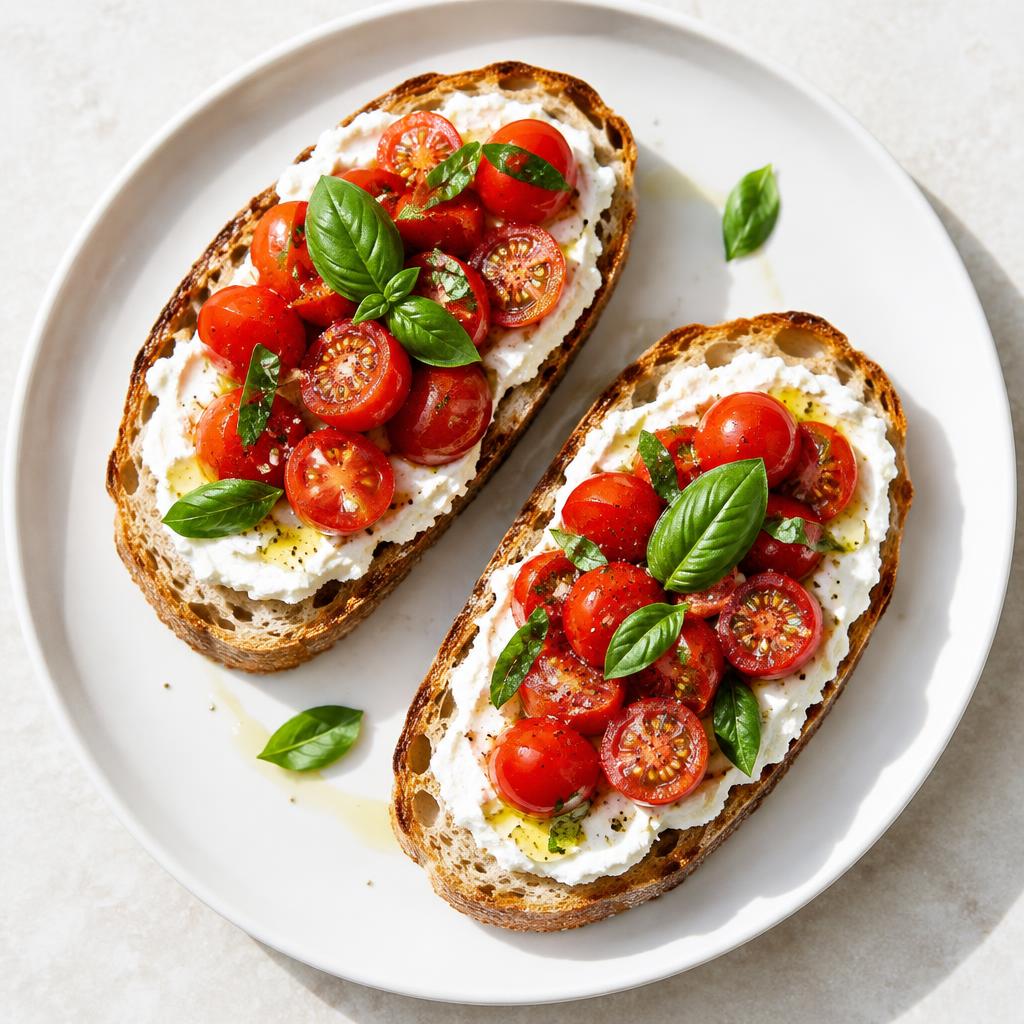
Tomato & ricotta toast
15 min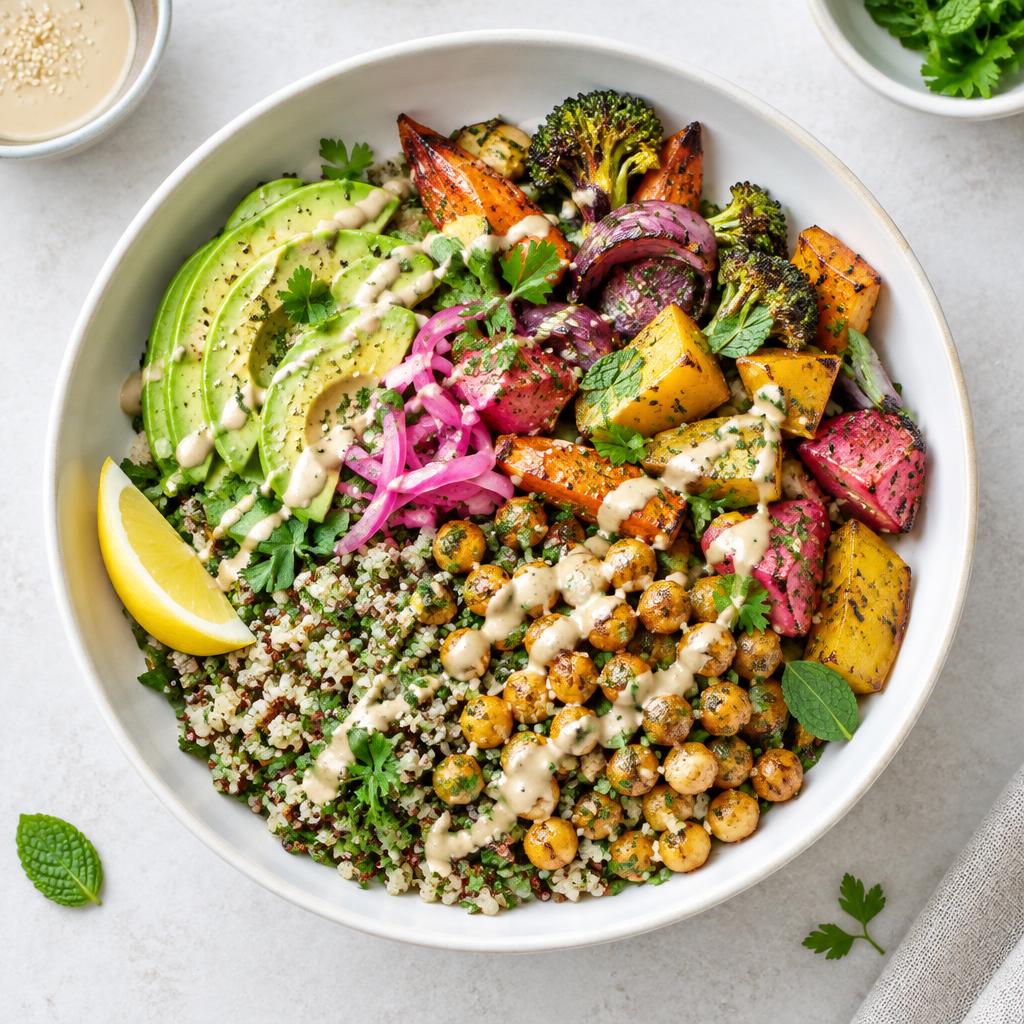
The feel-good harvest bowl
35 min
Blueberry lemon loaf
55 min9:41•••
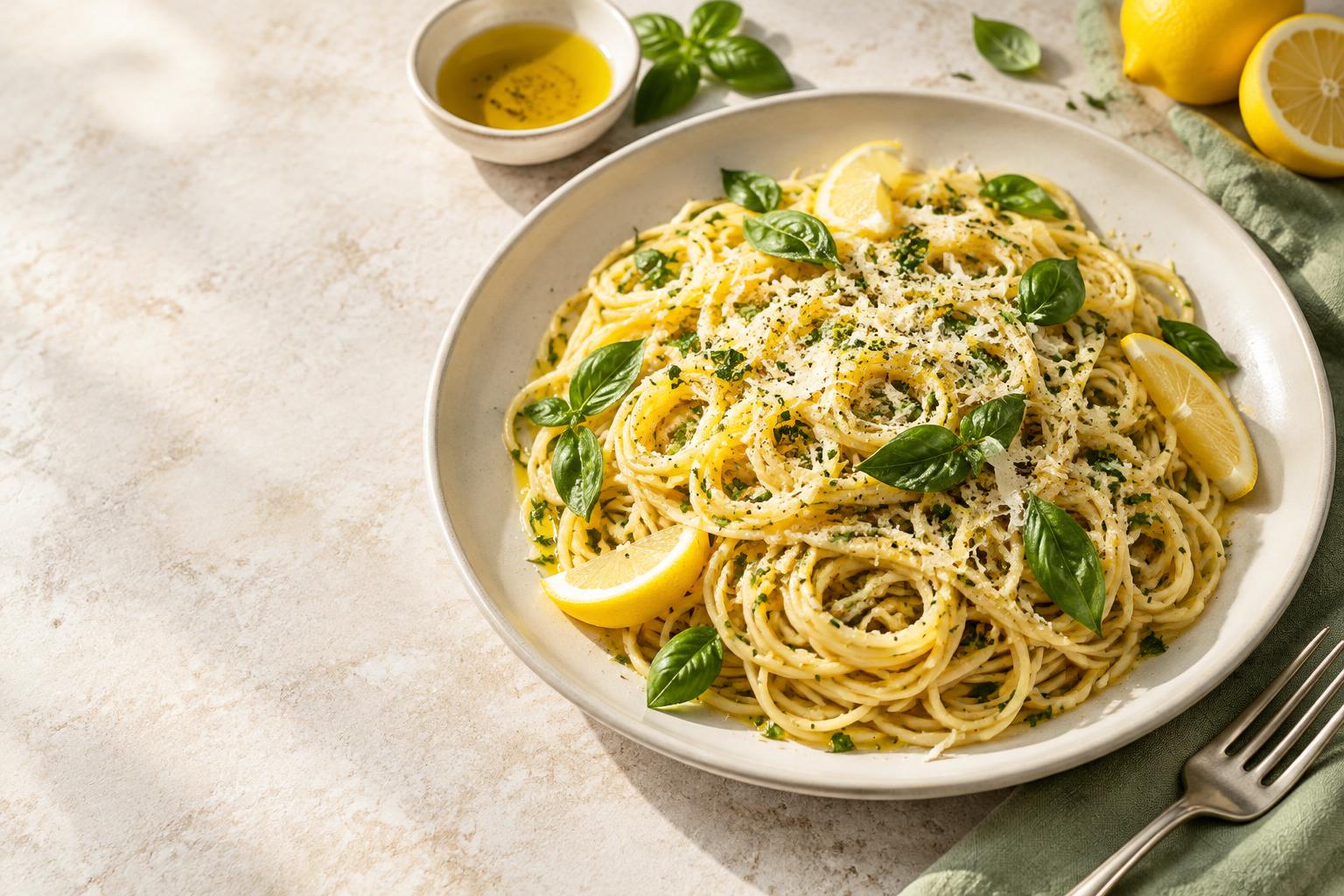
WEEKNIGHT FAVORITESLemon & basil pasta
Servings4
- 14 oz spaghetti
- 1 cup heavy cream
- 1 cup grated Parmesan
2Simmer the sauce for 10 minutes.
Search by ingredientsImport recipesOrganize collectionsScale servingsFind substitutesUse step timers
FIND SOMETHING TO COOKNot sure what to make?
Not sure what to make?
Start with what you have.
Search for a dish you’re craving or the ingredients already in your kitchen. DishSaver looks across recipe websites and credits every source, so you can save the ones you like.
Three ways to search. Pick whichever fits:
- OptionSearch for a specific recipeCraving lasagna? Search “lasagna”
- OrSearch by ingredients on handHave chicken, rice and spinach? Search “chicken, rice, spinach”
- OrPaste a recipe linkFound one already? Paste its link to save it
This searches recipe websites for something new. Recipes you’ve saved have their own search in My Recipes.
Try it free — no account needed
Find a recipe or paste a link
Search by dish or ingredient, or paste a recipe link. Some sites block imports.
BRING YOUR RECIPES TOGETHEREvery way you collect recipes,
Every way you collect recipes,
in one cookbook.
From a favorite food blog to Grandma’s recipe card, add recipes the way you already have them. Pasted and scanned recipes open for you to check before anything is saved.
Save from a website
Save recipes from supported websites by pasting a link, with a credit to the original source. Some websites restrict access; for those, paste the recipe text instead.
Paste the recipe text
Copied a recipe from an email, note or document? Paste it in and DishSaver sorts it into ingredients and steps.
Scan a printed recipe
Snap a cookbook page or printed recipe card. DishSaver reads the text, then you check it before saving.
Type it yourself
Fill in a simple form with ingredients, steps, servings and times, using the measurements you already know.
Keep family recipe cards
Keep handwritten family recipe cards as photos, front and back, saved privately with the recipe. Type the recipe while the card stays in view.
Moving from another recipe app?
Use Import Recipes in My Recipes to bring in an export from another recipe site or app (.json or .jsonld, up to 10 MB and 1,000 recipes) or a spreadsheet (.csv) with one recipe per row. You review every recipe first, anything missing is marked for you to fill in, and recipes you’ve already imported are skipped.
KEEP YOUR FAVORITES ORGANIZEDA place for
A place for
every kind of cooking.
Group recipes into collections like Weeknight Dinners, Family Favorites or Recipes to Try. A recipe can sit in several collections and always stays in My Recipes.
- Mark favorites and find them in one tap.
- Search your saved recipes by title, ingredient or step.
- Share one recipe with a link. Your notes and collections stay private.
Personal, in every way
Your collections.
COOK WITH CONFIDENCEHelpful tools,
Helpful tools,
right inside every recipe.
Try them here on example recipes. They work the same way on every recipe you save.
TRY IT
Cooking for more — or fewer?
Adjust servings and the ingredient quantities scale with them.
Servings
2
- 7 ozspaghetti
- 2 tbspfresh lemon juice
- ½ cupgrated Parmesan
TRY IT
Missing an ingredient?
Tap the swap icon to find a common supermarket alternative from DishSaver’s built-in guide.
- 2 cupsall-purpose flour
- 2 cupsbuttermilk
- 2 tbspbrown sugar
- ½ tspsalt
Swaps can change flavor and texture. Check labels if anyone has food allergies.
TRY IT
Watching the clock?
Start a timer right from any step that includes a cooking time.
Bake for 8–10 minutes, until the edges are golden.
Timers run while the recipe is open.
FROM IDEA TO DINNER
Find it. Add it. Organize it. Cook it.
- 1
Find it
Search by dish or ingredient, or paste a recipe link.
- 2
Add it
Save from a website, paste, scan, type or keep a family card.
- 3
Organize it
Sort recipes into collections and mark your favorites.
- 4
Cook it
Adjust servings, check swaps and start step timers.
GOOD QUESTIONS
Before you start.
Quick answers about cost, adding recipes and the tools you’ll use while cooking.
Is DishSaver free?
Yes. Creating an account and keeping your cookbook is free, and no credit card is needed. Recipe search and Scan It have fair hourly limits so the service stays fast for everyone.
Can I find recipes by ingredients?
Yes. Type the ingredients you have, such as “chicken, rice, spinach”, or a dish name like “lasagna”, and DishSaver searches recipe websites for matches. You can try it on this page without an account; saving a recipe needs a free account. To look through recipes you’ve already saved, use the search in My Recipes.
How can I add a recipe?
Choose Add Recipe, then pick a way: paste a recipe link, Paste It for recipe text, Scan It for a photo of a printed recipe, or Type It to enter it yourself. Pasted and scanned recipes open for you to check, and nothing is saved until you press Save.
Which websites and import formats are supported?
You can save recipes from supported websites with a link. Some websites restrict access or need a login; for those, copy the recipe and use Paste It. For whole collections, Import Recipes in My Recipes accepts exports from other recipe sites or apps (.json or .jsonld, up to 10 MB and 1,000 recipes) and spreadsheets (.csv) with one recipe per row. Spreadsheet columns can include Title, Ingredients, Instructions, Servings, Prep Time, Cook Time, Notes, Categories, Photo URL and Source URL, and a sample spreadsheet is available in the import window.
See import details in HelpCan I preserve handwritten family recipes?
Yes. With Type It you can keep photos of the front and back of a recipe card and type the recipe while the card stays in view. The photos stay private with your recipe. DishSaver doesn’t read handwriting, so it never guesses at Grandma’s writing.
Can I change serving sizes?
Yes. On any saved recipe, use the + and − servings buttons and the ingredient amounts adjust. Your saved recipe stays as you entered it, and Reset to original brings the amounts back.
How do substitutes and recipe-step timers work?
Ingredients with a common supermarket alternative show a swap icon; tap it to see options from DishSaver’s built-in guide. Swaps can change flavor and texture and aren’t allergy advice, so check labels. Steps that mention a cooking time, like “bake 8–10 minutes”, show a timer button that counts down while the recipe is open.
Are my recipes private?
Yes. Your cookbook is private to your account. If you share a recipe, people with the link see only that recipe’s photo, ingredients, instructions and source — never your notes, recipe card photos or collections.
Read the Privacy PolicyRECIPES FOR REAL LIFE.
Your next meal — and your family favorites — all within reach.
Find something new, keep the recipes you love, and cook them with a little extra help.
Free to join · Private by default